News
How to apply for a Smart ID online every option explained
Step-by-step guide to applying for a Smart ID via the DHA eHomeAffairs portal, who can use it, required documents and where to check for capture points.
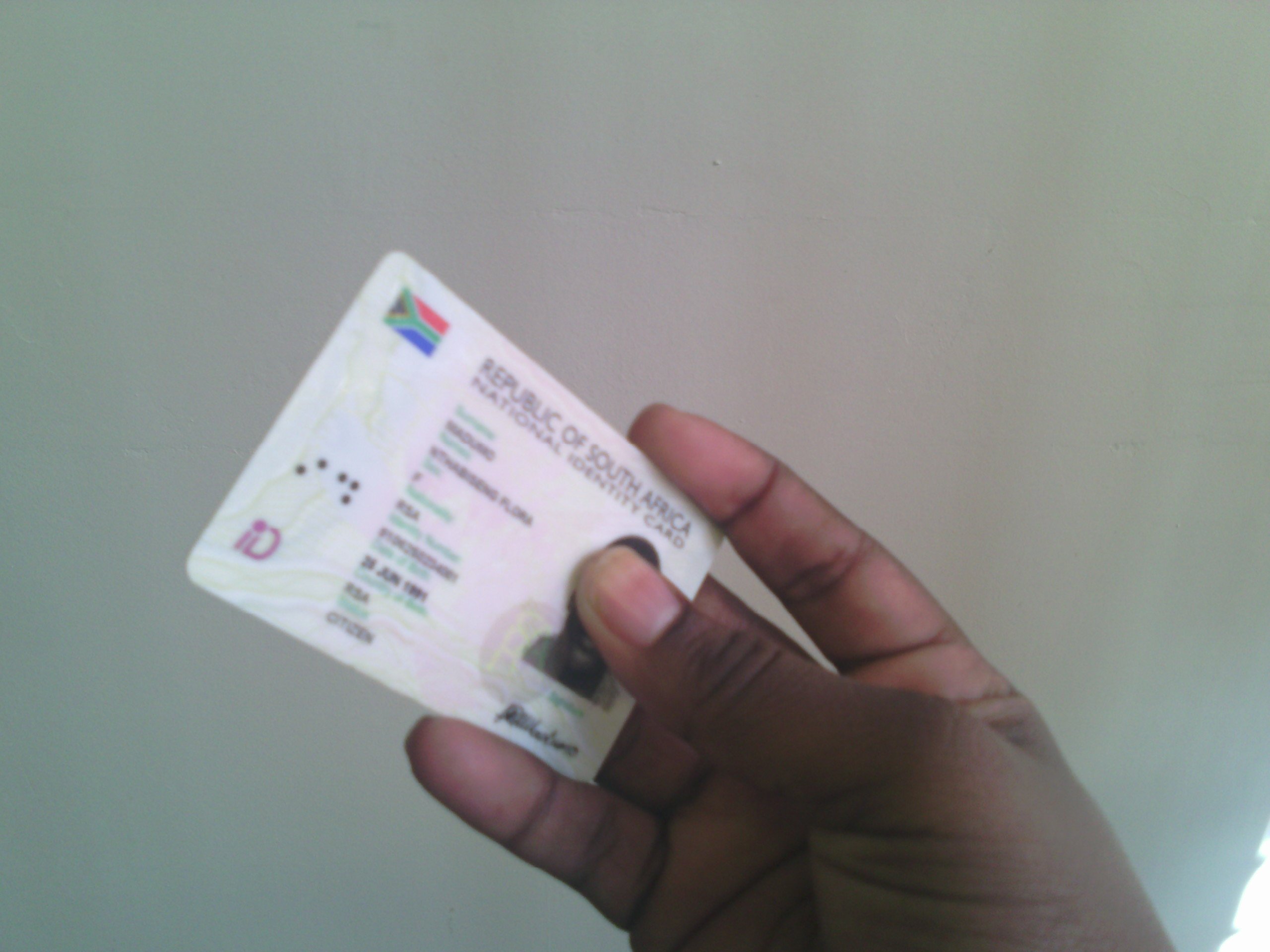
The Department of Home Affairs now supports online Smart ID applications through its eHomeAffairs portal, allowing applicants to complete forms, upload documents, pay fees and receive OTP verification without spending a full day in a Home Affairs queue.
Two-step digital route
The online Smart ID process is split across two separate DHA websites. eHomeAffairs is the site where applicants register a profile, complete the application, upload documents and pay the fee. A separate DHA booking site is used to schedule the biometric appointment at a partner capture point.
The correct order is important: apply and pay on eHomeAffairs first, then book the biometric appointment on the DHA booking site.
Who can use the online route
The online system is intended for South African citizens aged 16 and older applying for a first Smart ID card, replacing a lost, stolen or damaged card, or upgrading from the old green barcoded ID book. Unless specifically invited, naturalised citizens and lawful permanent residence permit holders cannot use the self-service portal (see DHA eHomeAffairs guidance: ehome.dha.gov.za/eHomeAffairs); exceptions may exist where DHA issues specific invitations or guidance.
What you need before you start
- A valid 13-digit ID number
- A South African cellphone number for OTP verification
- An active email address
- A digital copy of your current ID or barcoded green ID book (JPEG or PDF, under 2MB)
- A bank card or internet banking access to pay any applicable fee
Step-by-step
Follow these steps on the eHomeAffairs portal: register with your ID number and verify via OTP; select the Smart ID application and complete Form BI-9 online indicating whether it is a first-time application, replacement or upgrade; upload required documents and pay the fee; then book your biometric appointment on the DHA booking site and attend the capture point with your ID, proof of payment and booking confirmation.
The DHA allows applicants to choose participating bank branches as capture points. Some major banks have partnered with DHA to offer Smart ID services at selected branches; availability, booking requirements and processing times vary by bank and branch check with your bank or the DHA for current details.
Required documents and biometric capture
Required documents include the barcoded green ID book when replacing it, a birth certificate, proof of address and a valid cellphone number for OTP verification. In certain cases applicants must visit a Home Affairs office for biometric capture.
Fees, timelines and collection
Applicants may pay online via eHomeAffairs. Collection is usually at a Home Affairs branch or a bank branch depending on the application route chosen.
Contact and verification
Applicants should use the DHA eHomeAffairs portal and check their local DHA branch details for opening hours and any appointment requirements.
Follow Joburg ETC on Facebook, Twitter, TikTok and Instagram
For more News in Johannesburg, visit joburgetc.com